基本信息
- 实验日期:2021 年 8 月 7 日
- 操作系统:CentOS 7,64 位
- 内核版本:3.10.0
- sudo 权限:无
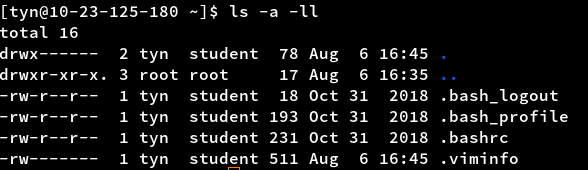
- 干净的“家”目录:
调研&尝试
这个回答是起点,自此共了解了以下几种方案:
- rpm2cpio
- Miniconda
- user-yum.sh
- JuNEST
除了 rpm2cpio 这个比较“人工”的方案,其他我都尝试了。But,最好用也是唯一成功的 Miniconda 方案竟然是我最后试的。
原理简介
问:用 yum 安装软件为什么要 sudo?
答:yum 会把软件安装到系统目录下(e.g. /usr/bin),需要对这些目录的“写”权限。
问:Miniconda 是怎么工作的?
答:conda 把软件安装到用户家目录(用户具有完全读写权),然后用户再把这些软件的可执行程序目录添加到 PATH 中。
开始装机
安装 Miniconda
- 脚本自动安装 Miniconda 到
~/conda。curl https://repo.anaconda.com/miniconda/Miniconda3-latest-Linux-x86_64.sh > Miniconda.sh bash Miniconda.sh -b -p ~/conda # -b is used to specify that this is done "in batch", so skip the EULA prompt # -p lets you specify where you want conda installed - 添加
conda/bin目录到 PATH。# 将下面两行添加到你使用的shell的配置文件中(Fish用户使用set -x) CONDABIN_D=$HOME/conda/bin export PATH=$CONDABIN_D:$PATH # Bash设置PATH以“:”分割,找可执行程序的顺序是从左到右
安装你要的软件
-
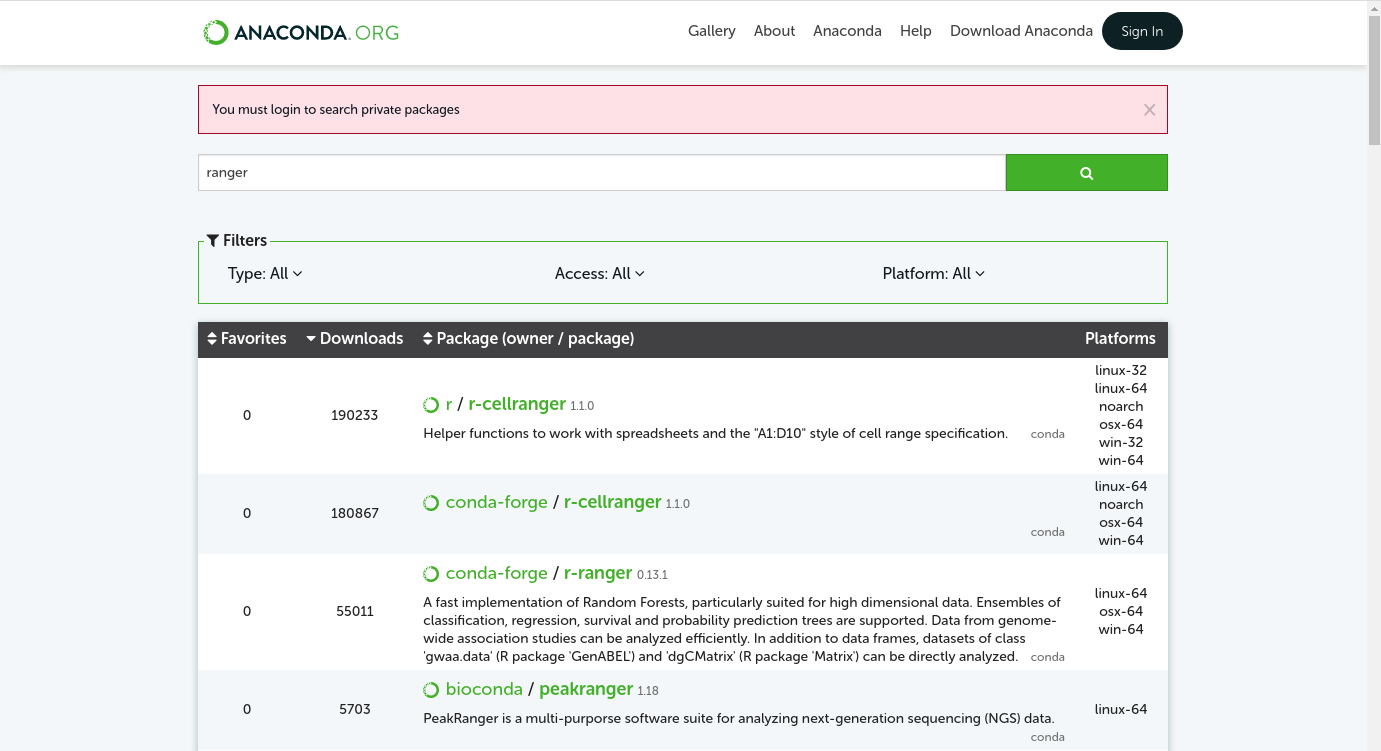
去anaconda 仓库搜索包。
-
进入包详情界面可以看到安装指令,复制过来回车。
# fish
conda install -c conda-forge fish
# ranger
conda install -c conda-forge ranger-fm
# tmux
conda install -c conda-forge tmux
# git
conda install -c conda-forge git
# vim
conda install -c conda-forge vim
# htop
conda install -c conda-forge htop
# node(with npm)
conda install -c conda-forge nodejs
# bat
conda install -c conda-forge bat
# fzf(conda装的fzf,vim认不出)
# conda install -c conda-forge fzf
# the_silver_searcher
conda install -c conda-forge the_silver_searcher
# lazygit
conda install -c conda-forge lazygit
# ncdu
conda install -c conda-forge ncdu
# trash-cli
conda install -c conda-forge trash-cli
# c++头文件
conda install -c conda-forge gxx_impl_linux-64
# clang++
conda install -c conda-forge clangxx
# clangd
conda install -c conda-forge clang-tools
# cmake
conda install -c conda-forge cmake
# ncurses
conda install -c conda-forge ncurses
# pkg-config
conda install -c conda-forge pkg-config
# flex
conda install -c conda-forge flex
# bison
conda install -c conda-forge bison
# bear
conda install -c bobbiewang bear
注意:如果安装的软件系统本身就有,可能需要重新登录才能生效。
快速:
conda install -y -c conda-forge fish ranger-fm git tmux vim htop nodejs bat lazygit ncdu the_silver_searcher trash-cli
可选操作
私用。
设置“默认”shell
如果你常用的 shell 不在/etc/shells中,那你没法用chsh来设置登录 shell。但你可以通过一些小技巧来达到类似的效果。
在~/.bash_profile最后加上:
export SHELL=/home/tyn/conda/bin/fish # shell可执行程序路径
exec $SHELL -l
.bashrc 和.bash_profile 的区别是,后者是登录时 source 的,因此在 profile 里把 SHELL 设置为 fish,之后的默认 shell 都是 fish 了。
设置 fish 配色:
set -L
set -U fish_color_normal normal
set -U fish_color_command a1b56c
set -U fish_color_quote f7ca88
set -U fish_color_redirection d8d8d8
set -U fish_color_end ba8baf
set -U fish_color_error ab4642
set -U fish_color_param d8d8d8
set -U fish_color_comment f7ca88
set -U fish_color_match 7cafc2
set -U fish_color_selection c0c0c0
set -U fish_color_search_match ffff00
set -U fish_color_history_current normal
set -U fish_color_operator 7cafc2
set -U fish_color_escape 86c1b9
set -U fish_color_cwd 008000
set -U fish_color_cwd_root 800000
set -U fish_color_valid_path normal
set -U fish_color_autosuggestion 585858
set -U fish_color_user 00ff00
set -U fish_color_host normal
set -U fish_color_cancel normal
set -U fish_pager_color_completion normal
set -U fish_pager_color_description B3A06D yellow
set -U fish_pager_color_prefix normal --bold --underline
set -U fish_pager_color_progress brwhite --background=cyan
打包备份用户家目录
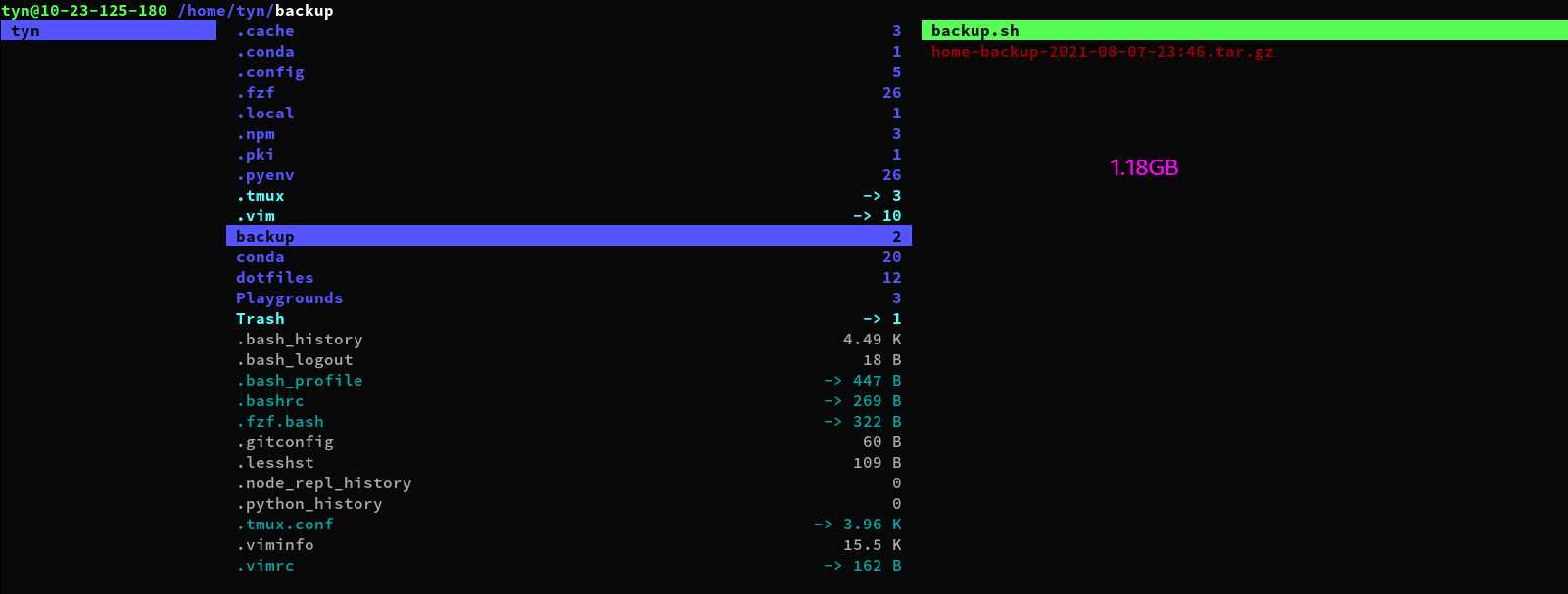
创建一个~/backup目录用于存放备份文件,下面的命令可以将~/backup排除在打包范围外。
mkdir ~/backup
# 非fish用户
tar -zcvf $HOME/backup/home-backup-$(date +%Y-%m-%d-%H:%M).tar.gz --exclude=$HOME/backup $HOME
# fish用户
tar -zcvf $HOME/backup/home-backup-(date +%Y-%m-%d-%H:%M).tar.gz --exclude=$HOME/backup $HOME
系统剪切板
配合 vim 安装 fzf
conda 安装的 fzf 的目录结构对 vim 不适用,因此单独安装 fzf:
git clone --depth 1 https://github.com/junegunn/fzf.git ~/.fzf
~/.fzf/install
然后在.vimrc 中加入:set runtimepath+=~/.fzf。
安装 pyenv 和 pyenv-virtualenv
- 自动安装脚本:
curl https://pyenv.run | bash -
由于我的
.bash_profilesource 了.bashrc,根据官方文档,我需要在 source.bashrc之前加两句export,然后在进入 fish 前加另一句eval: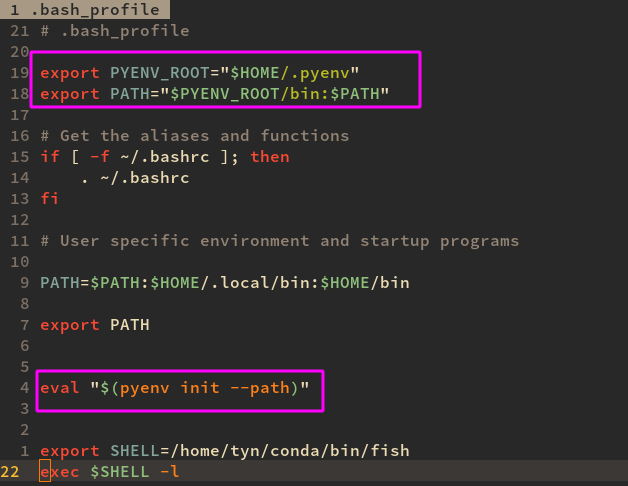
-
然后在
config.fish里: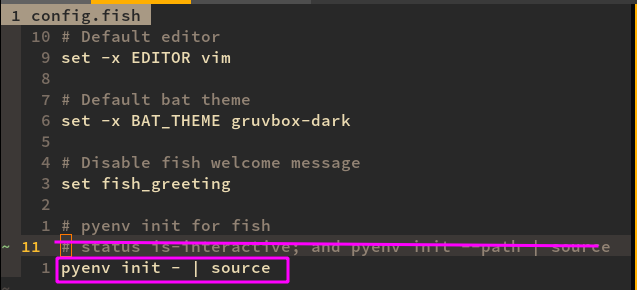
- 重新 ssh 登录生效。 (pyenv virtualenv xxx 会调用 mini conda 的 conda env create,https://github.com/pyenv/pyenv-virtualenv#anaconda-and-miniconda)
装完后截个图
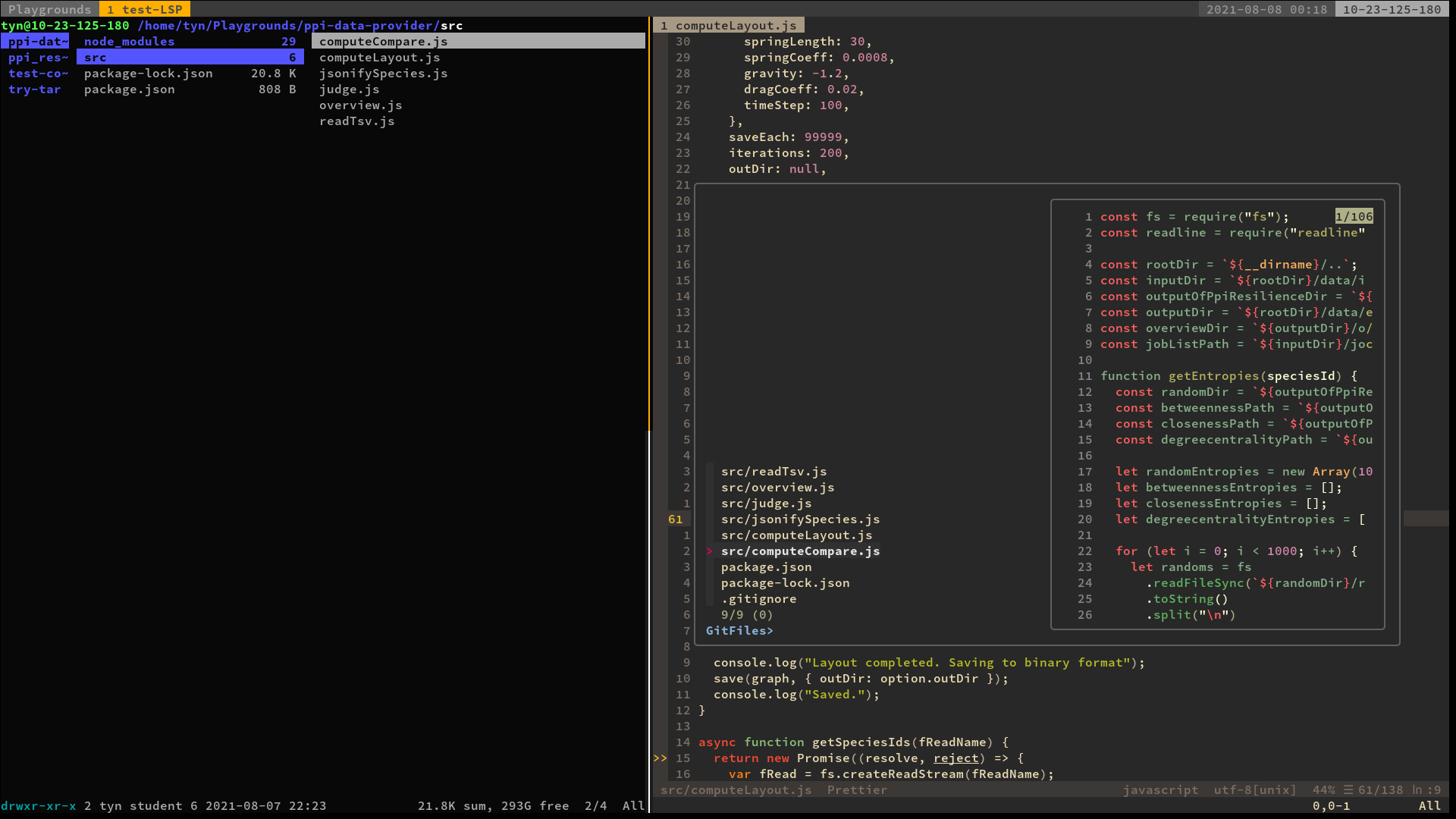
图 1:机器的奢华被尽数体现,还做了用户目录的打包备份。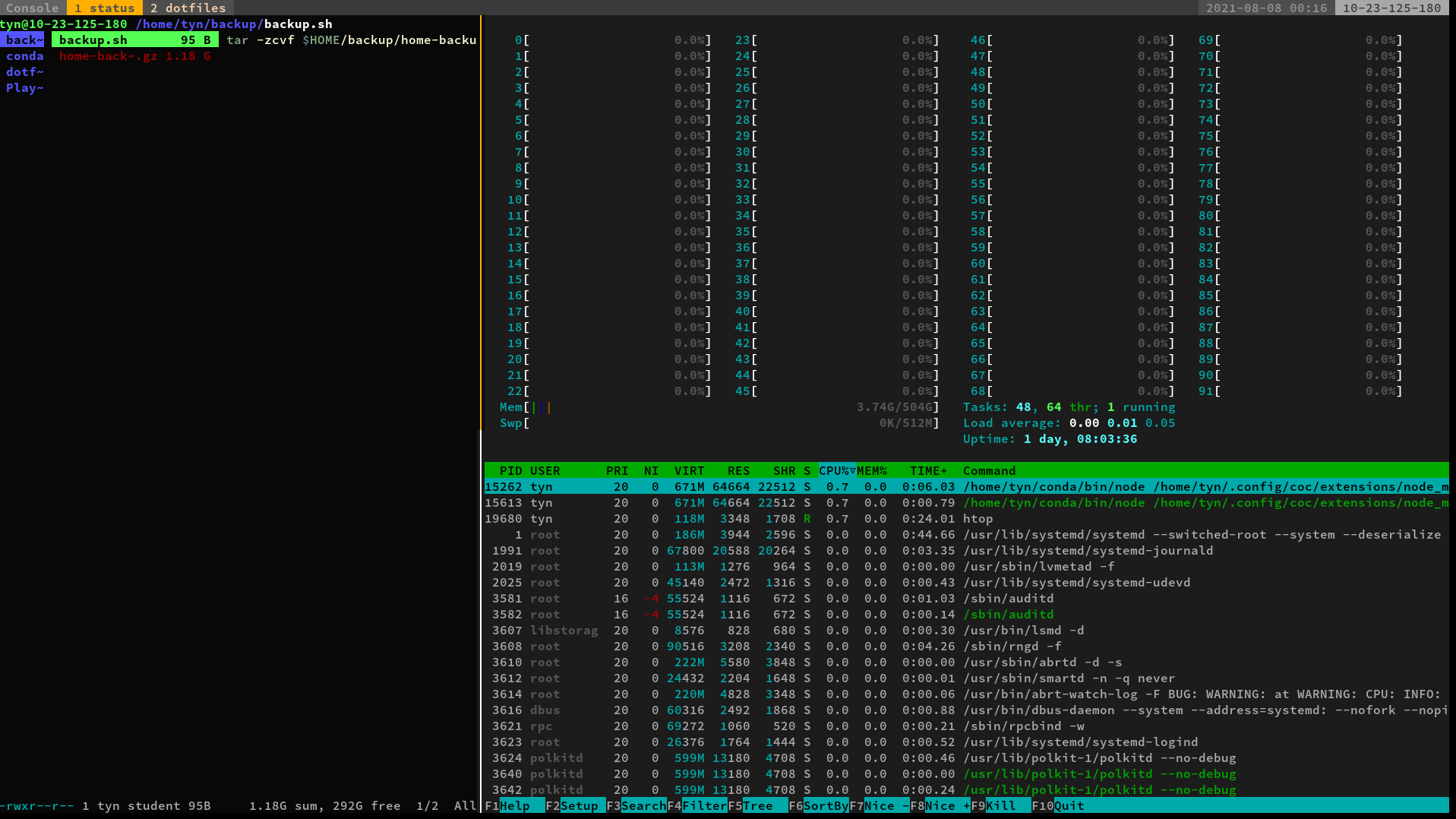
图 2:解决了一些在本机上根本没出现的问题,一致性把握不住了,为 dotfiles 新开了一个分支“jail-user”。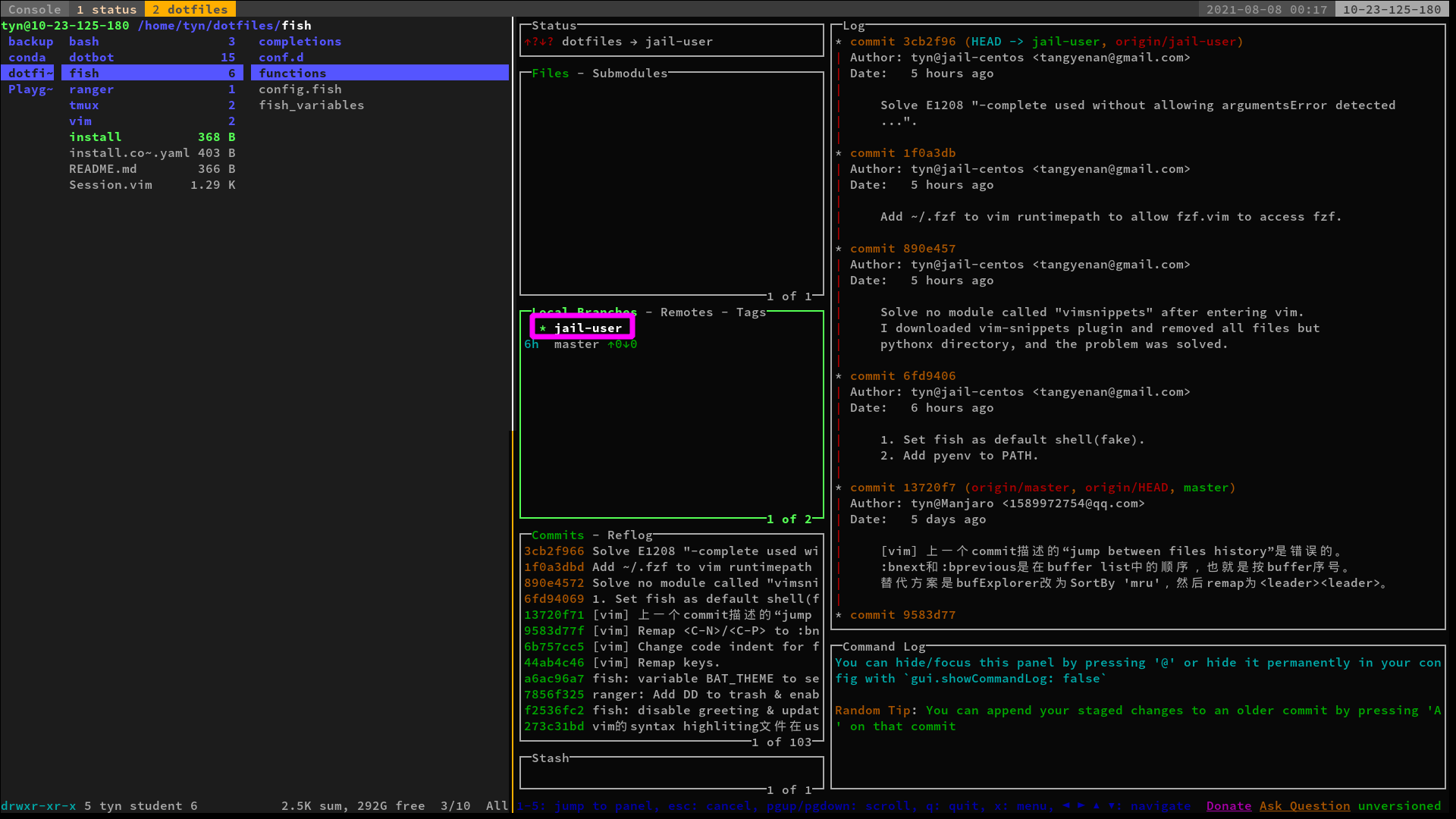
图 3: C++、python、javascript 的环境应该都没问题了(but,pyenv install 遇到网络问题)。